

AI Video Tools for Realtors: HomeReel vs AutoReel
Video content is now essential for real estate marketing. Buyers expect dynamic visuals beyond static photos, and agents are using AI tools to generate high-quality property videos in minutes. Two platforms gaining traction are HomeReel and AutoReel — both designed to help real estate professionals create listing videos without hiring a videographer. Below, we compare what each tool offers, how they differ, and how much they cost.
What Each Tool Does
HomeReel
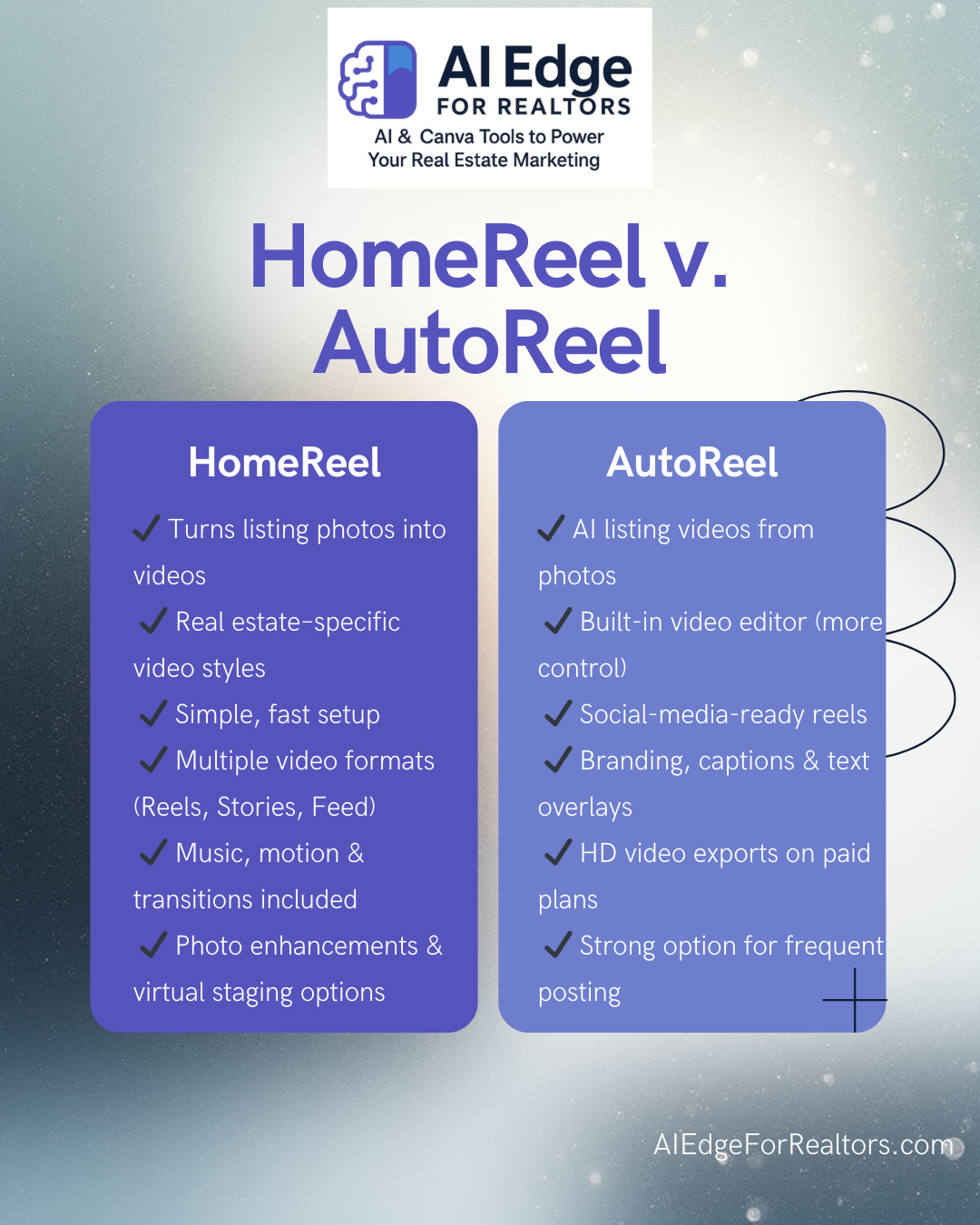
HomeReel focuses on turning listing photos into polished, real estate–ready videos. It uses AI to animate static photos with camera movements, transitions, music, and templates tailored for property marketing. You upload photos, choose a video style and format, and HomeReel produces a listing video suitable for social media and MLS. It’s designed to be simple and beginner-friendly, with support for multiple aspect ratios (vertical, square, widescreen).
AutoReel
AutoReel is an AI-powered video creation platform that also converts listing photos into engaging property videos. It emphasizes social media optimizations and cinematic style, enabling agents to produce short reels or walkthrough-style videos with transitions, captions, music, and branding. It also includes a built-in editor (AutoReel Studio) so users can refine, add intros/outros, edit timelines, and customize visuals and text.
Pricing Breakdown
HomeReel Pricing
HomeReel offers straightforward monthly plans: HomeReel
Lite – $29.99/month
Basic video generation (540p), photo enhancements, unlimited generations with watermark in trial.Plus – $49.99/month
Enhanced 720p video quality, higher processing priority, more enhancements.Pro – $109.99/month
Full HD (1080p), highest priority processing, unlimited staging and enhancements.
All plans include a 7-day free trial with watermarked videos.
AutoReel Pricing
AutoReel’s pricing isn’t fully detailed publicly in the same structured way as HomeReel’s, but the platform offers: AutoReel
Free Plan
Create up to two videos per month with a watermark — no credit card required.Paid Plans + Trial
Paid subscriptions include a 7-day free trial with video creation unlocked. Specific pricing tiers (e.g., monthly subscriptions) are promoted during signup but aren’t always listed openly; users must upgrade to remove watermarks and access full functionality.
Across plans, AutoReel supports up to 15–20 images per video, videos up to 60 seconds, and Full HD export on paid plans.
Who Each Tool Is Best For
HomeReel makes sense for real estate agents who want a quick and consistent way to turn listing photos into professional marketing videos. The tiered pricing and simplicity make it accessible if you’re focused on efficient listing presentations and social content without much editing.
AutoReel leans toward users who want more creative control and social media-ready content. The integrated editor, branding options, captions, voiceovers, and emerging AI photo edits give a broader toolset for video storytelling. It’s suitable if your strategy involves frequent posting and varied video formats.
Pros & Cons at a Glance
HomeReel
Pros:
Clear pricing tiers
Designed specifically for real estate videos
Supports multiple video aspect ratios
Includes photo enhancements and virtual staging HomeReel
Cons:
Less deep customization than a full editor
Does not include advanced editing tools built in HomeReel
AutoReel
Pros:
Built-in video editor with templates and customization AutoReel
Social media optimization (captions, music, logos) AutoReel
Free plan available AutoReel
Full HD export on paid plans AutoReel
Cons:
Transparent pricing tiers not always listed publicly on pricing page AutoReel
Some advanced features still beta or evolving AutoReel
Conclusion
Both HomeReel and AutoReel are valuable tools in a modern real estate marketing stack. HomeReel is straightforward and tiered, ideal if you want predictable pricing and solid video generation. AutoReel offers a richer feature set that appeals to agents and media creators focused on social video content and customization.
The choice between them depends on how much control you want over your videos, how often you’ll publish, and whether features like in-platform editing and branding are priorities for your marketing workflow.
Affiliate Disclosure
Some of the links in this article are affiliate links. This means that if you choose to click through and sign up, I may earn a small commission at no additional cost to you. I only recommend tools I’ve personally reviewed or believe provide real value to real estate professionals. As always, you’re encouraged to do your own research and choose the tools that best fit your business and workflow.